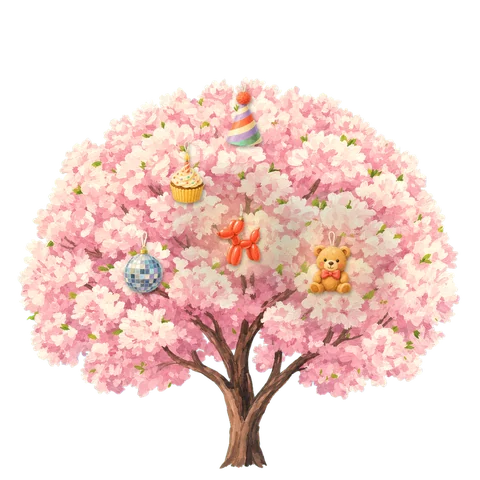

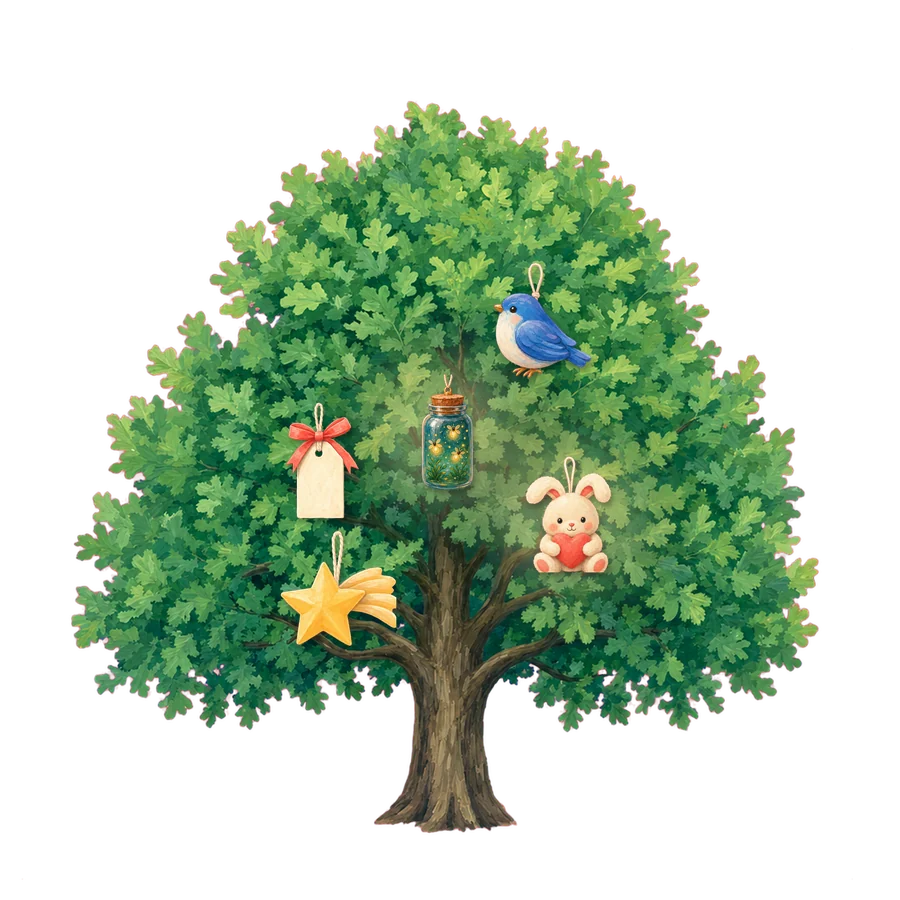
What is Wish Tree, and how does it work?
Wish Tree is a free online wish tree: make a tree for a birthday, Christmas or any moment, share one link, and friends hang wishes you open on the day. It runs in the browser on any phone or computer, so there is nothing to download, and friends who hang a wish never sign up. Here are the seven steps, then each one with screenshots from the app.
- 1Pick a tree
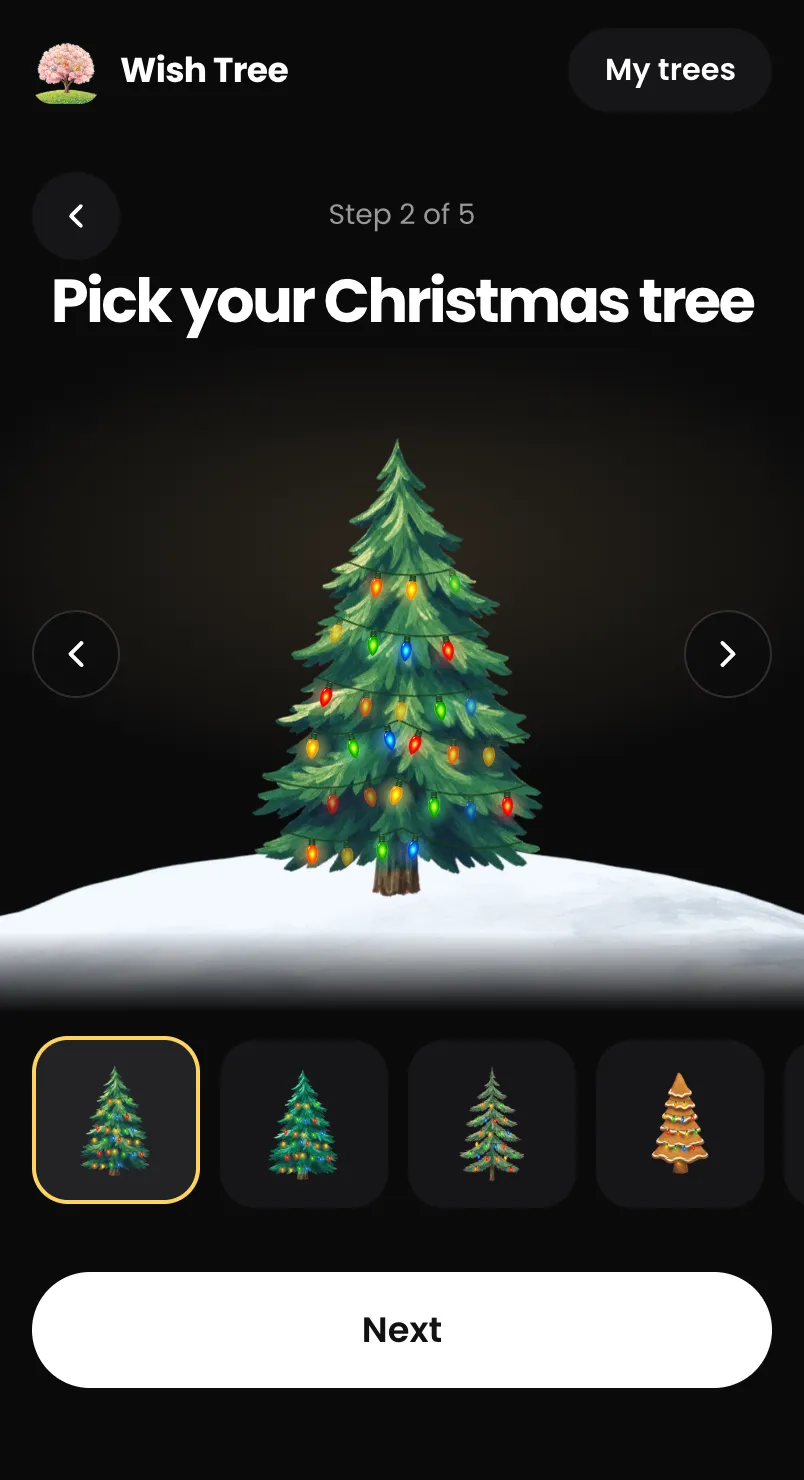
Open mywishtree.link/create, choose Birthday, Christmas or Any moment, and swipe through the hand-painted trees.
- 2Add your name
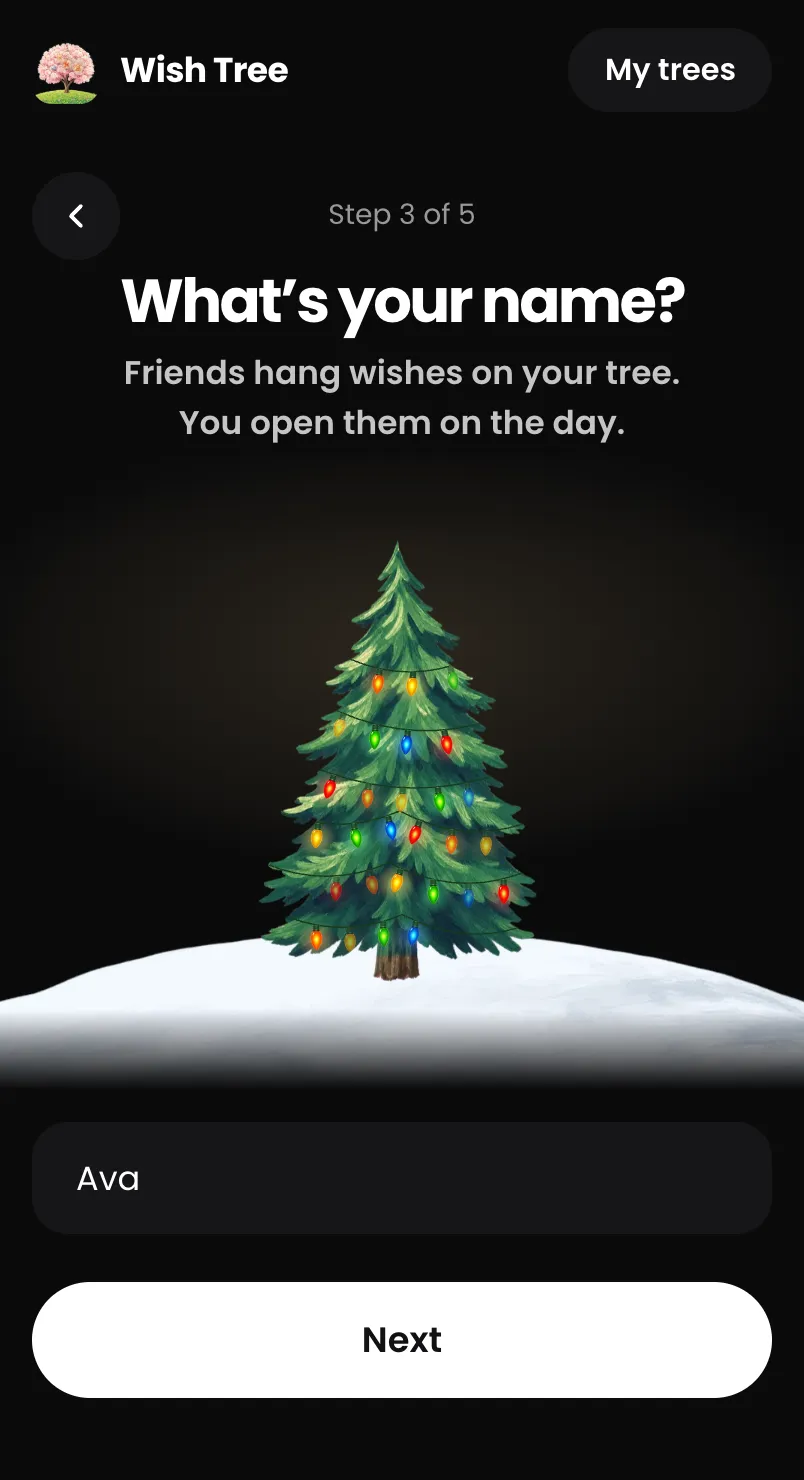
Type your first name. Friends see it on your tree.
- 3Top it off or pick the day
A Christmas tree gets a topper and opens on December 25. A birthday or any-moment tree opens on the day you pick.
- 4Make your tree
Add your email, or continue with Google or Apple, and tap Save and make my tree. Your tree then opens on any device.
- 5Share the link
Post it in your Instagram story or send it in a chat. The share menu draws a story picture and copies your link.
- 6Friends hang wishes
Friends open the link, write a wish, pick a gift and see it on your tree. They need no app and no account.
- 7Open them on the day
At midnight in your time zone your tree opens. Tap a gift, break the seal and read each wish.
How do you make a wish tree?
Go to mywishtree.link/create and choose what the tree is for: Birthday, Christmas or Any moment. Swipe through the hand-painted trees until you find yours, from 22 Christmas trees, 8 birthday trees and 8 wish trees. Then add your first name, the one friends will see on your tree.
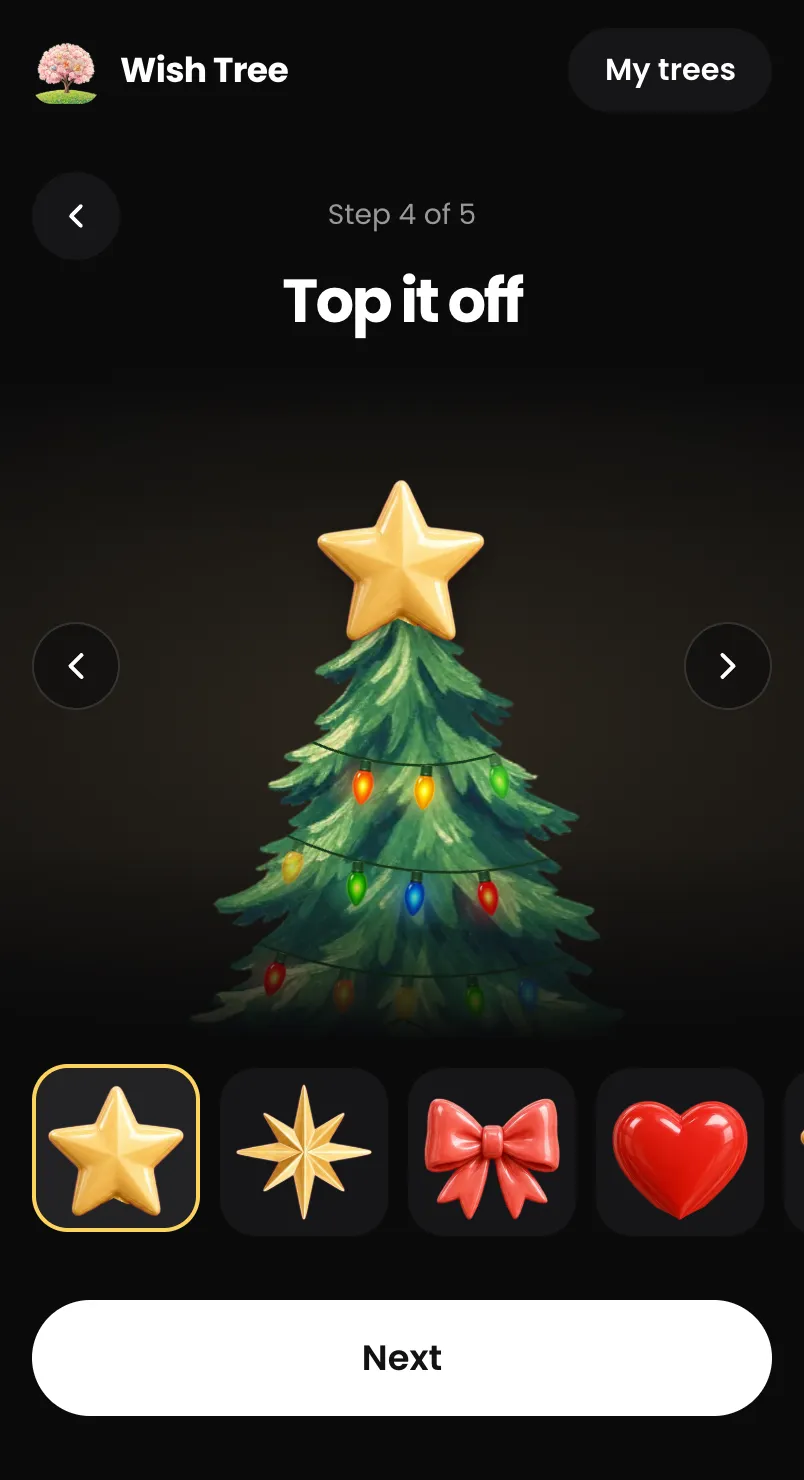
A Christmas tree gets a topper next, from a gold star to a red bow, and opens on December 25; you can switch it to January 1 in its settings later. A birthday tree asks for your next birthday, and a wish tree for any moment asks for the day it opens, up to a year ahead.
Do you need an account to make a tree?
Just an email, with no password. On the last step add your email, or continue with Google or Apple, and your tree is saved to it, so it opens on any device; on a new device we email you a six-digit code to sign in. Friends who hang wishes need no account.
How do you share your Wish Tree link?
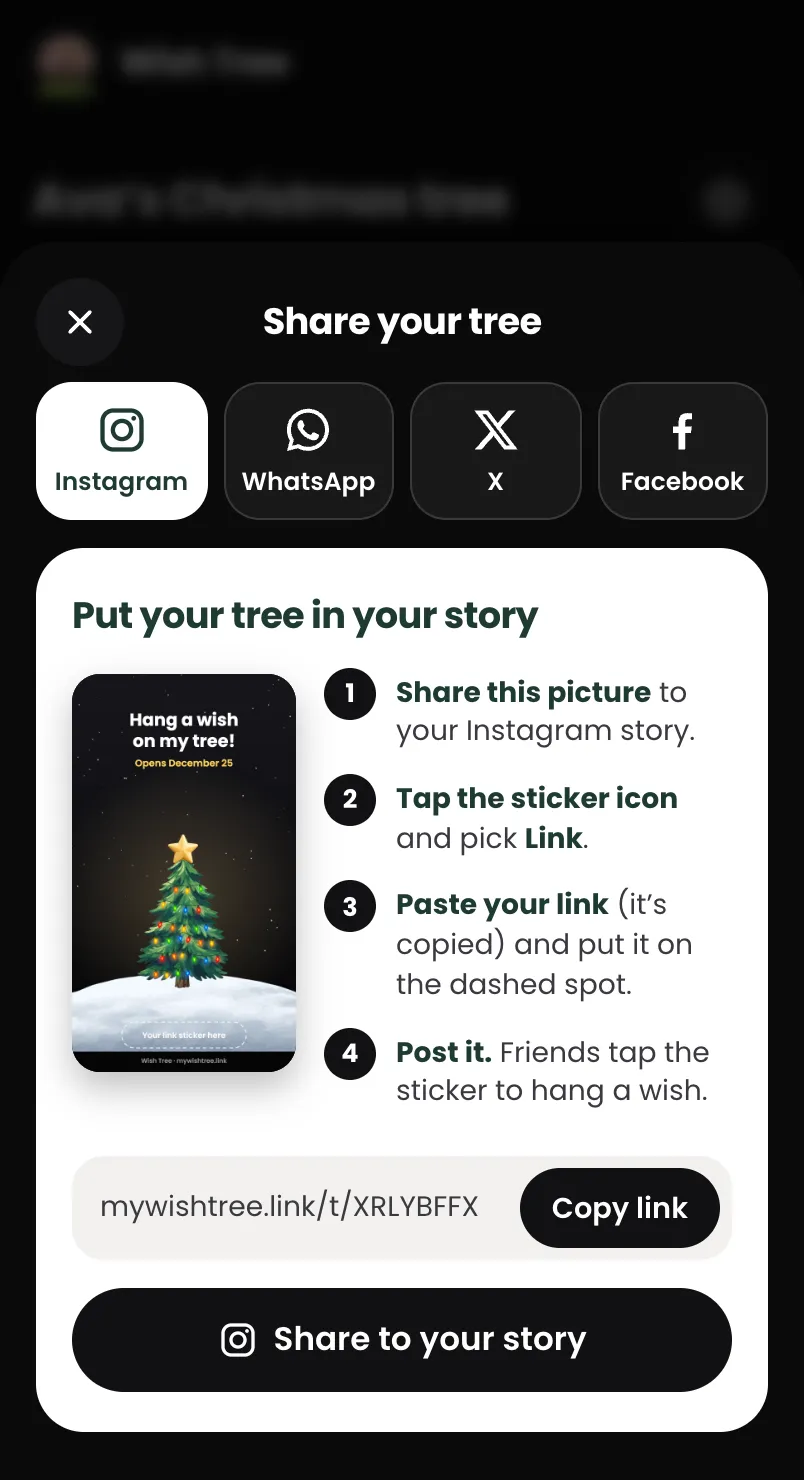
Tap Share with your friends on your tree. The share menu copies your link and has a tab for each place to post it: for Instagram, Wish Tree draws a story picture of your tree with “Hang a wish on my tree!” and the day it opens, ready for the Link sticker, and WhatsApp, X and Facebook each get a button. Your link is mywishtree.link/t/ and an 8-character code.
Step-by-step help for each app is in how to share your tree on Instagram, TikTok and Snapchat.
How do friends hang a wish on your tree?
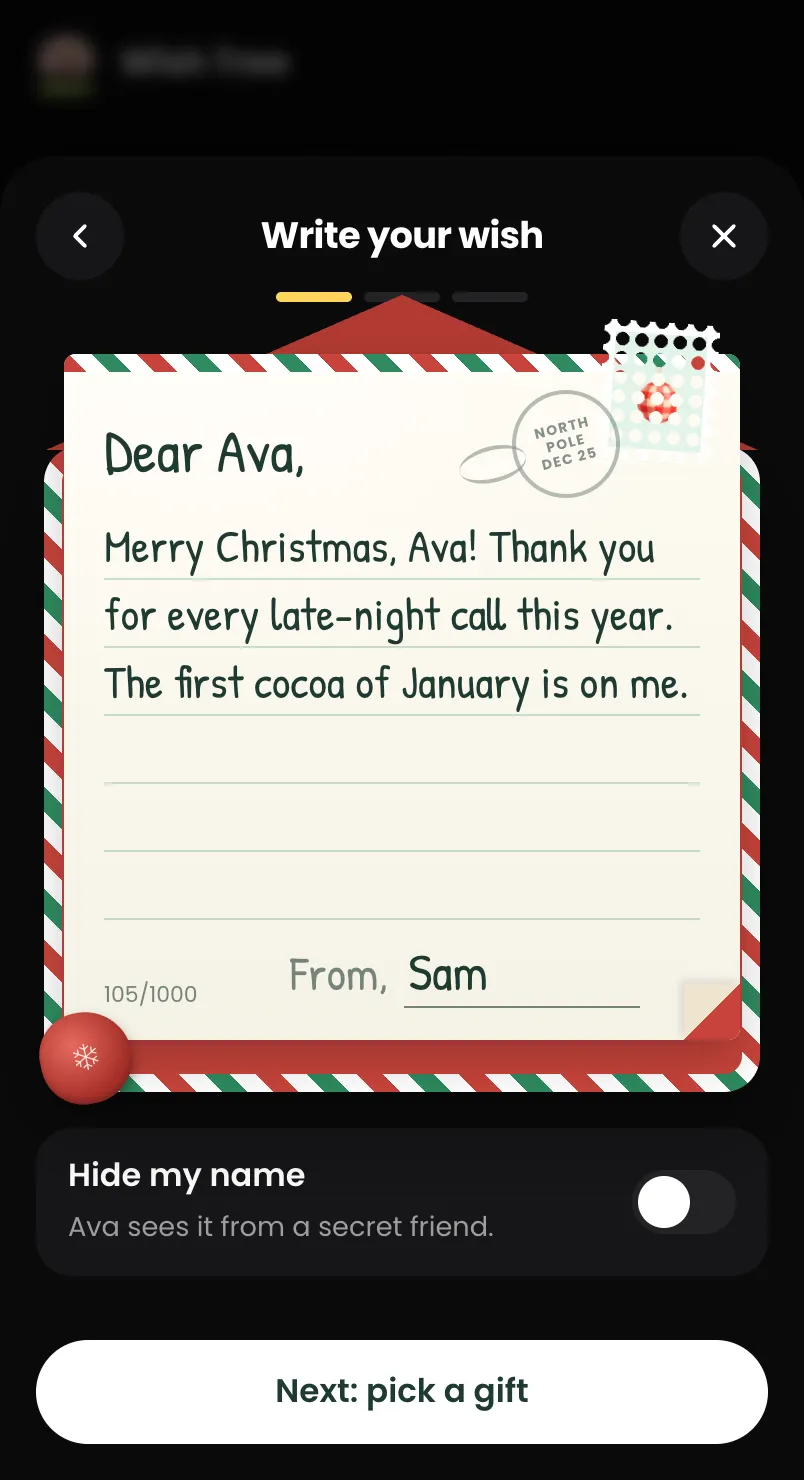
Friends open your link in any browser and tap Hang a wish. They write up to 1,000 characters on a little letter, sign it or switch on Hide my name, then pick a free hand-painted gift and see it hanging on your tree before they send it. No app, no account and no email.
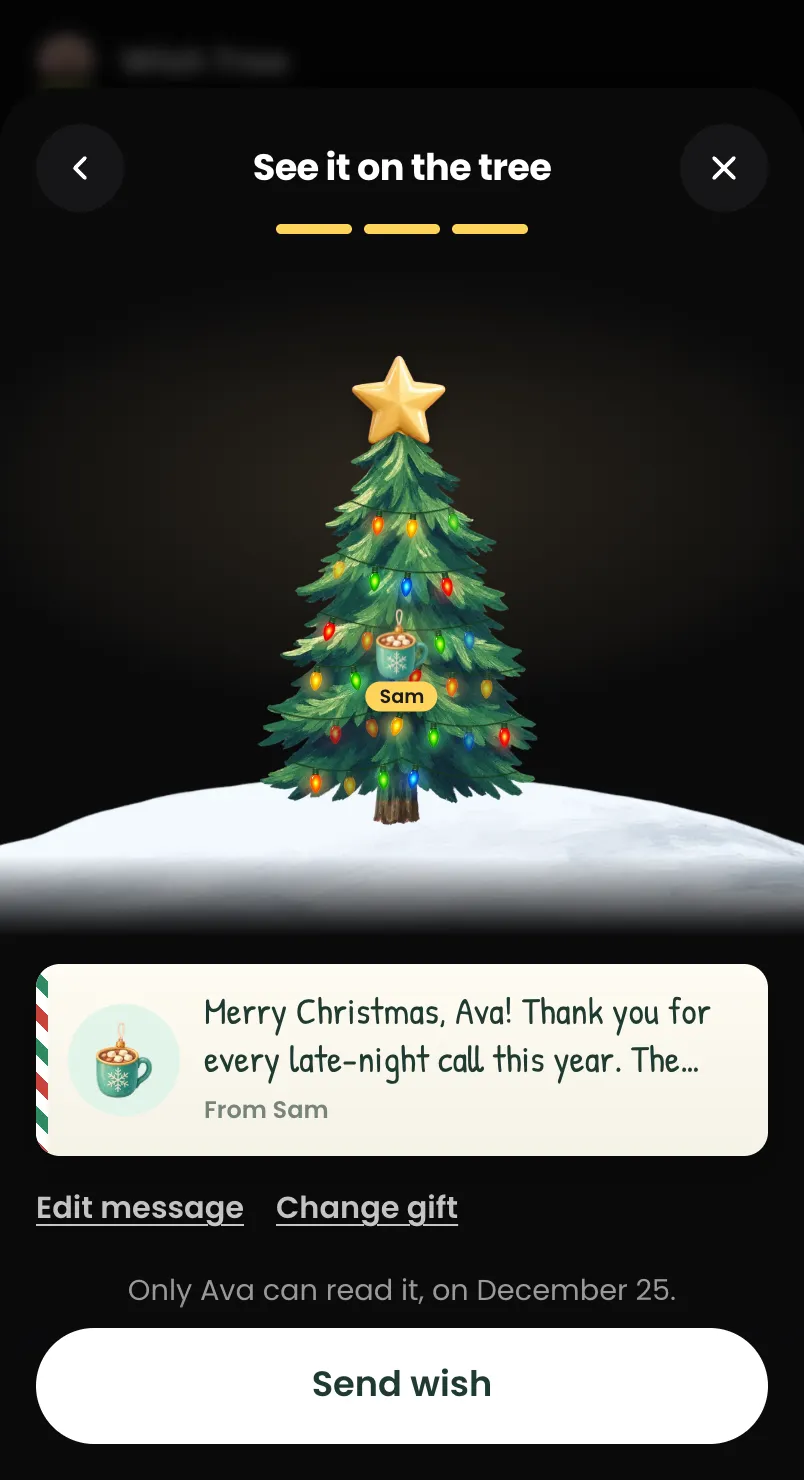
Until your tree opens, a friend can change or take back their wish from the same browser, and a friend who forgot can still hang one for 14 days after the day. Short on words? Copy one of our short Christmas card messages or read what to write on a wish tree.
What can you see before the day?
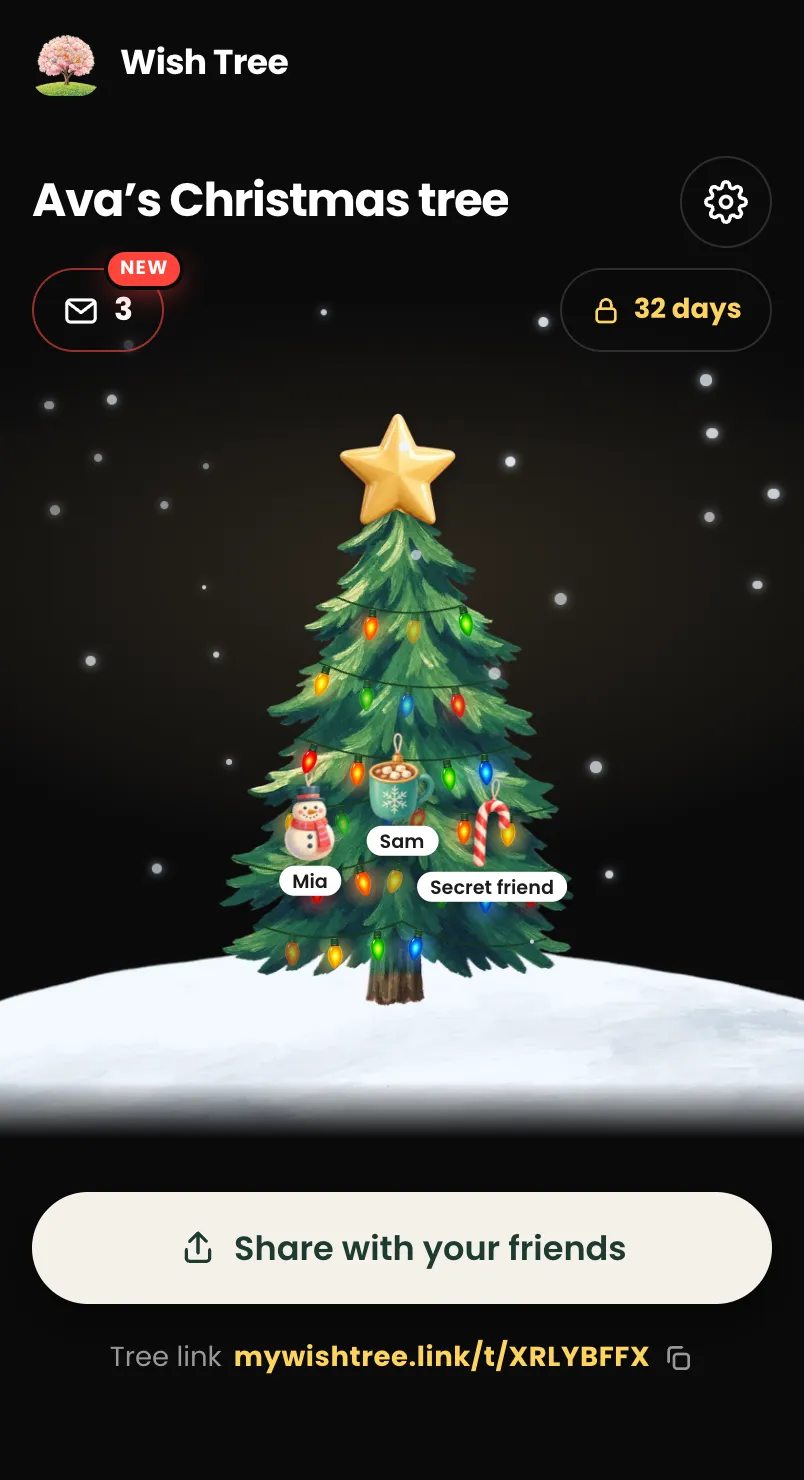
You watch your tree fill up. Each gift hangs with its sender’s name, or Secret friend, your inbox counts the wishes, and a lock counts down to the opening. The words stay sealed, even for you: tap a gift and it tells you the day it opens.
How do you open your wishes on the day?
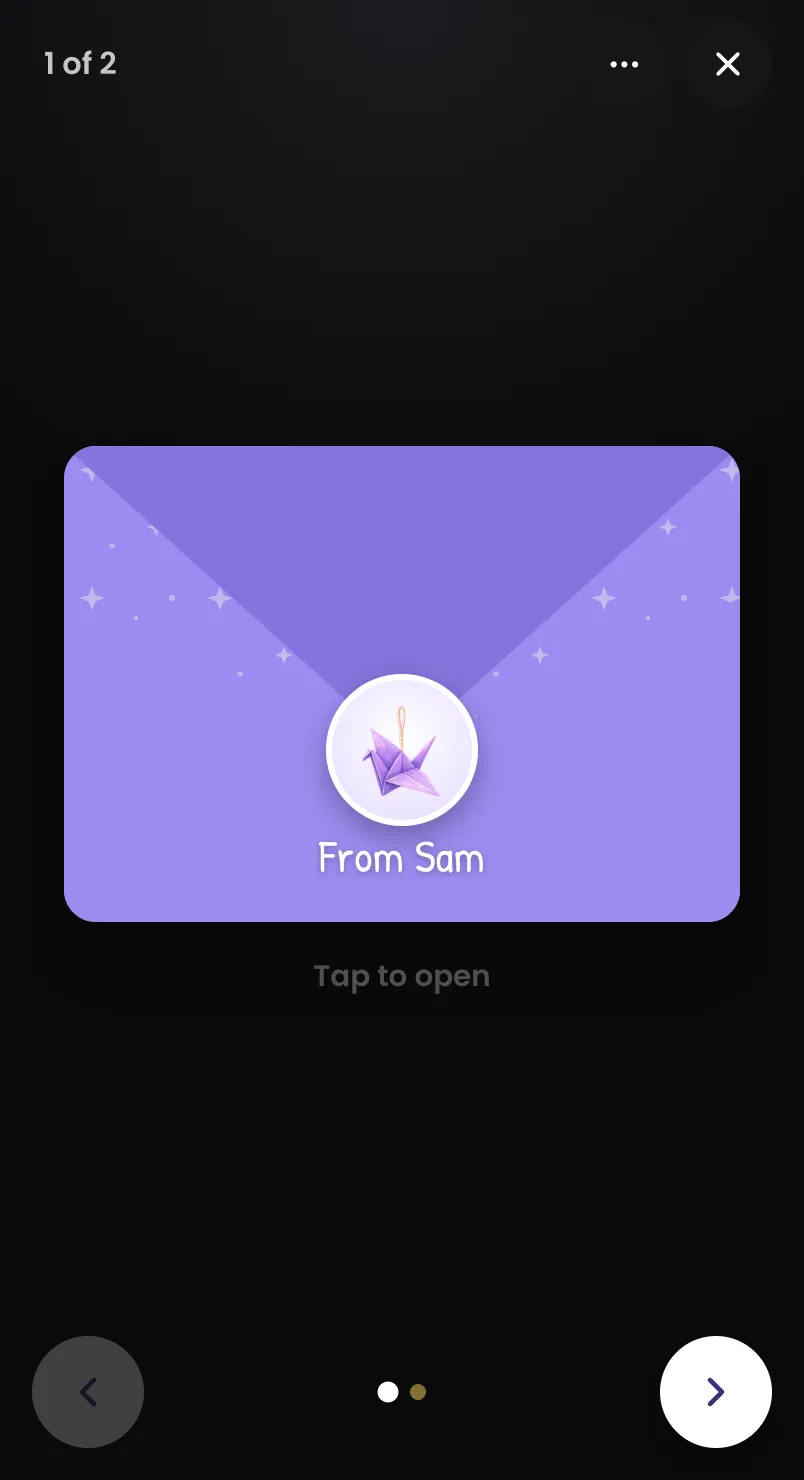
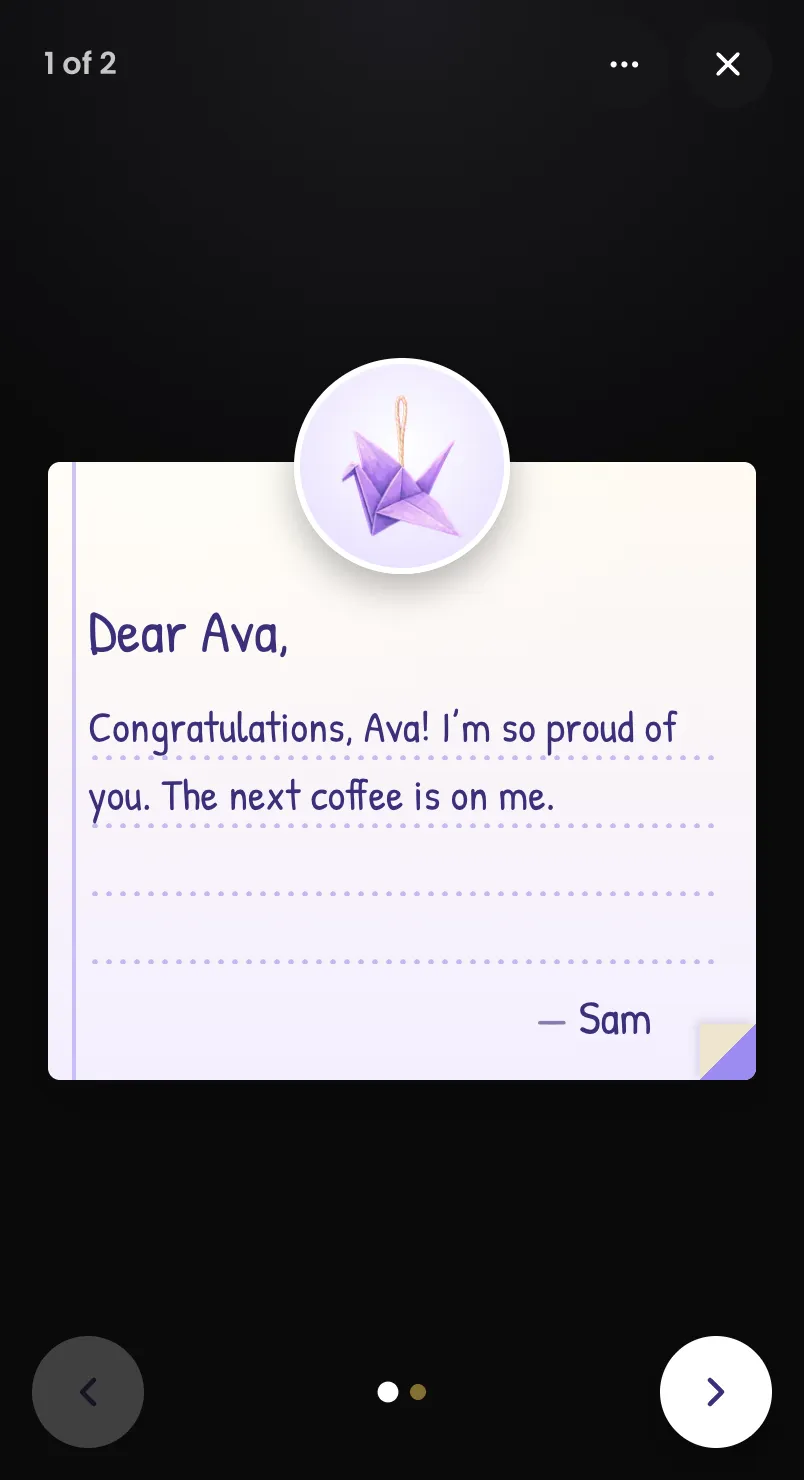
At midnight in your time zone on the opening day, your tree opens. Tap a gift, break the seal on its envelope and read the letter inside, then use the arrows for the next one. Only you can read them, and they stay on your tree so you can read them again.
How do you remove a wish or delete your tree?
In your inbox, tap the three dots next to a wish: you can remove it, remove it and block its sender from your tree, or report it to us. The sender isn’t told. The gear on your tree opens its settings, where you can put someone else’s name on the tree and get their private link, change a Christmas tree’s opening day, stop new wishes, or delete the whole tree.
Which tree should you make?
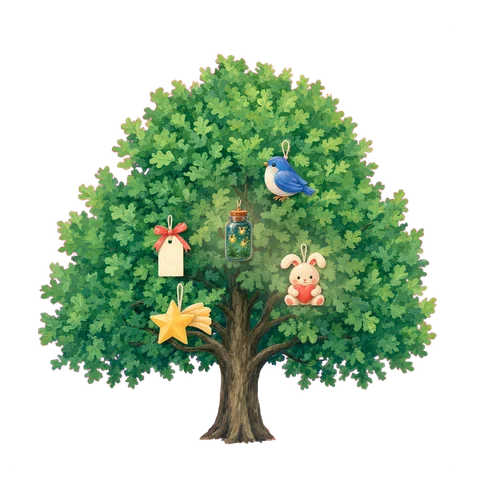
Make a virtual Christmas tree that opens on December 25, a birthday wish tree that opens on your birthday, or a wish tree for any moment, such as a graduation, a farewell or a baby shower. For a team or a class, the same link works as a group birthday card or a virtual farewell card. Free to make and to send.
Questions and answers
How do I use Wish Tree?
Pick a tree at mywishtree.link/create, add your name, top it off or pick its day, and make it. Then share its link: friends hang wishes with a gift from any browser, and you open them all at midnight on the day.
Do I need an account to make a tree?
Just an email, with no password: add it on the last step, or continue with Google or Apple, and your tree opens on any device. On a new device we email you a six-digit code to sign in. Friends who send wishes need no account.
Do my friends need an app or an account?
No. Friends open your link in any browser, write a wish and send it. There is nothing to download and no sign-up for senders.
Can I see the wishes before the day?
No. You see each gift arrive with its sender’s name, or Secret friend, and how many there are, but the words stay sealed until midnight on the opening day in your time zone.
Can a friend edit or delete their wish?
Yes. Until your tree opens, a friend can change or take back their wish from the same browser they sent it from.
How do I remove a wish or delete my tree?
In your inbox, tap the three dots next to the wish and remove it; you can block its sender from your tree in the same step. To delete the whole tree, tap the gear on your tree and pick Delete this tree.
Is Wish Tree free?
Yes. Making a tree, sharing it and sending wishes are free, and there are 36 free gifts to hang.